Building a Mouse Jiggler
A microcontroller that pretends to be a keyboard and mouse is one of the most useful weekend projects I’ve put together. It can keep a machine awake during a long compile, replay a tedious sequence of shortcuts at the press of a button, or type out whatever you want—all from a board that costs a couple of euros.
I built mine on an RP20401 1
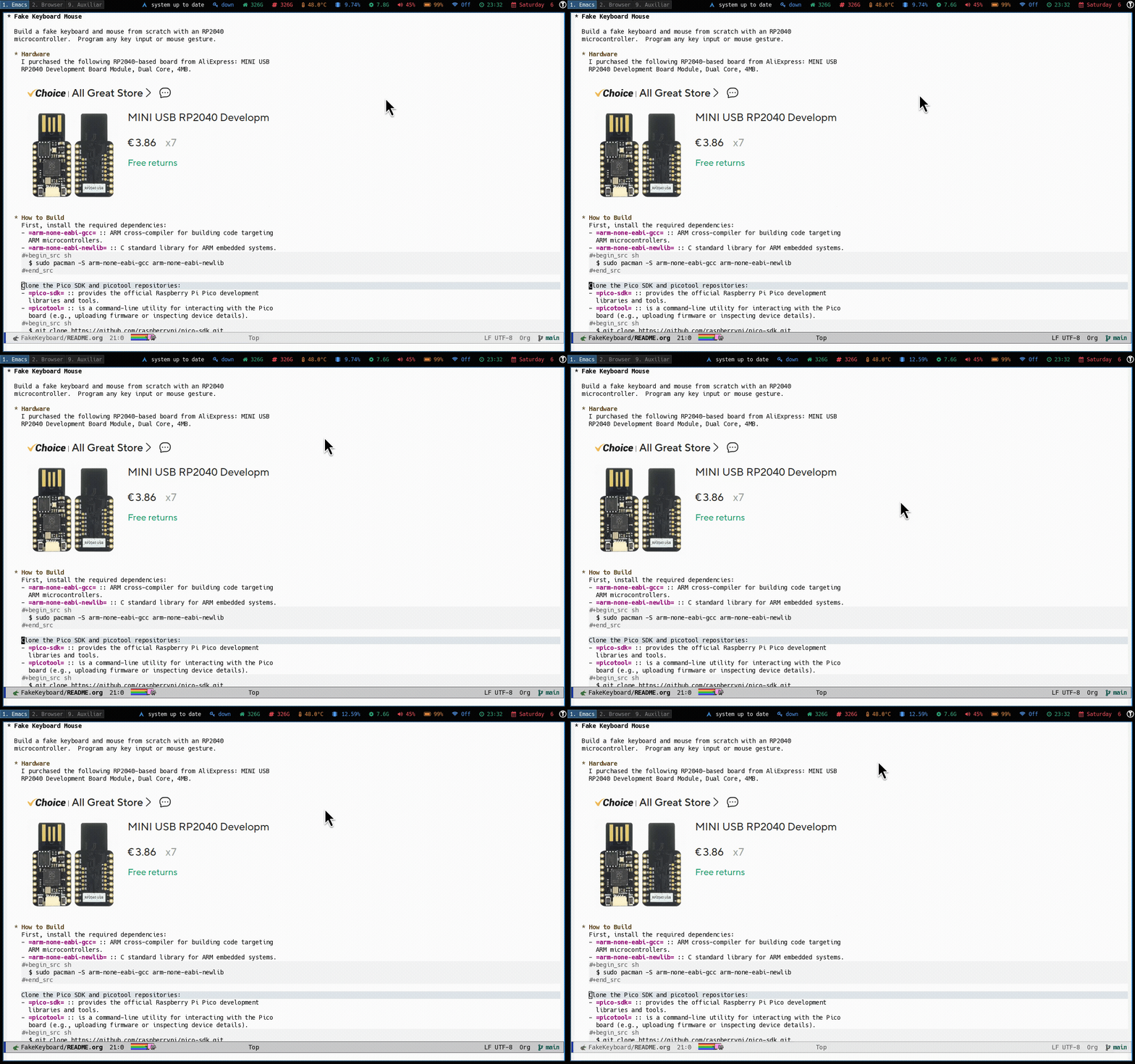
A single press of the BOOTSEL button starts the automation; another
press stops it.
Hardware §
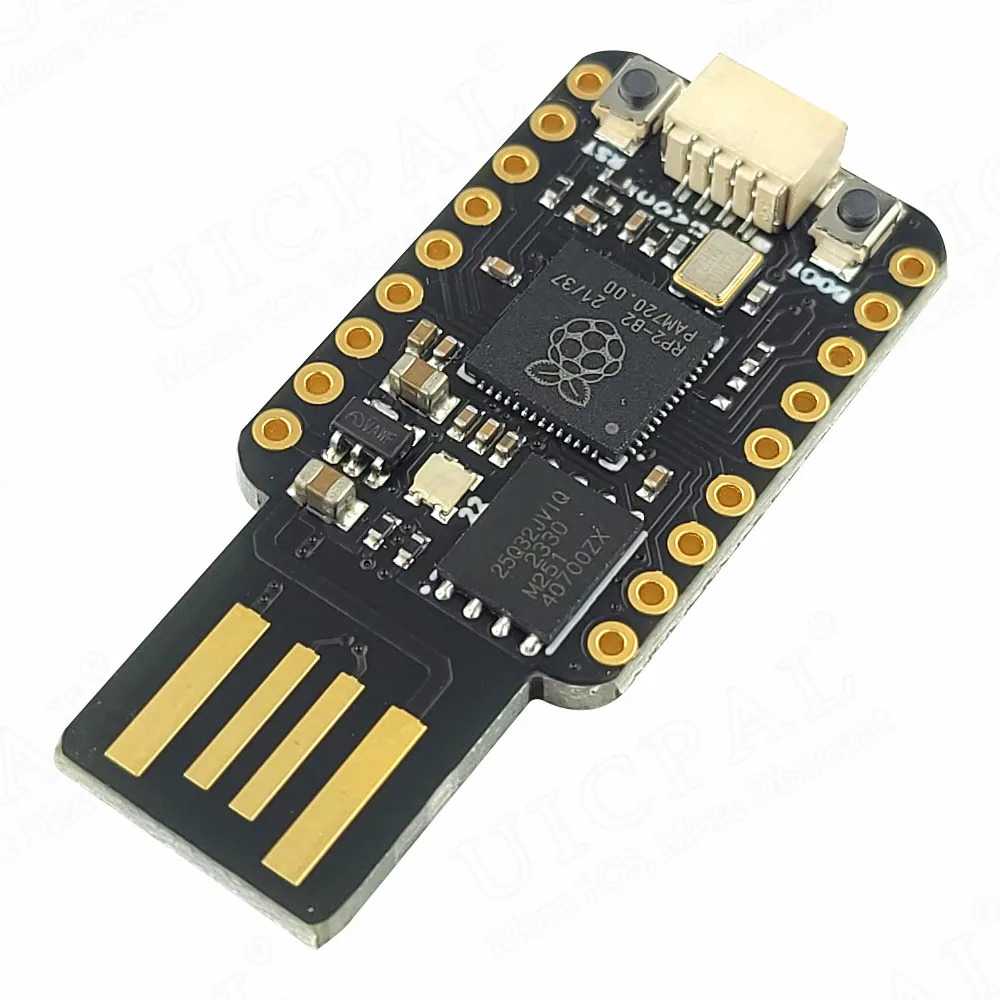
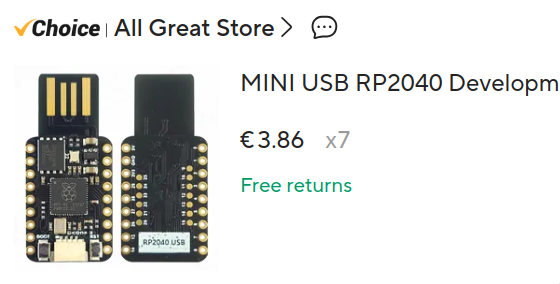
Any RP2040 board works. I picked up a cheap MINI USB RP2040 Development Board Module from AliExpress—dual core, 4 MB flash, around three euros shipped.
Figure 1: The order. €3.86 a board with free shipping—I grabbed seven so a brick or two along the way wouldn’t end the project.
The official Raspberry Pi Pico is the better documented option, but these no-name clones are pin-compatible and the same firmware runs on either.
Flashing the firmware §
While holding the BOOTSEL button, plug the board into your computer.
It enumerates as a USB mass storage device. Identify it with lsblk,
create a mount point, and mount it.
$ lsblk
$ sudo mkdir /mnt/micro
$ sudo mount /dev/sda1 /mnt/micro
Grab the latest .uf2 from the releases page. Three binaries are
published: fake_keyboard for keyboard only, fake_mouse for mouse
only, and fake_keyboard_mouse for both. Copy whichever one you want.
$ cp fake_keyboard.uf2 /mnt/micro
The board reboots automatically and re-enumerates as a keyboard, a
mouse, or both. Press BOOTSEL to start the automation, press it again
to stop.
Building from source §
If you’d rather build it yourself, install the ARM toolchain.2 2
arm-none-eabi-gcc is the cross-compiler targeting ARM
microcontrollers; arm-none-eabi-newlib provides a slim C standard
library suited for embedded targets.
$ sudo pacman -S arm-none-eabi-gcc arm-none-eabi-newlib  # Arch
$ sudo apt-get install gcc-arm-none-eabi libnewlib-arm-none-eabi  # Debian
Fetch the Pico SDK and picotool submodules.3 3
The Pico SDK ships the
C/C++ libraries for RP2040 development; picotool is a command-line
utility for inspecting boards and uploading firmware.
$ git submodule update --init --recursive
Build with CMake, pointing PICO_SDK_PATH at the SDK submodule.
$ PICO_SDK_PATH=./lib/pico-sdk cmake -B build -G Ninja
$ cmake --build build
The build emits three .uf2 files under build, matching the binaries
on the releases page. Flash one as described above.
$ cp ./build/fake_keyboard.uf2 /mnt/micro
Hello, world §
The fastest way to confirm the board, toolchain, and SDK are all wired up correctly is to flash a minimal program and watch it print over USB serial.
#include <stdio.h>

#include "pico/stdlib.h"

auto main() -> int {
  stdio_init_all();
  while (true) {
    printf("Hello, world!\n");
    sleep_ms(1000);
  }
}
A matching CMakeLists.txt
cmake_minimum_required(VERSION 3.13)

include(./lib/pico-sdk/pico_sdk_init.cmake)
project(HelloWorld C CXX ASM)

set(CMAKE_EXPORT_COMPILE_COMMANDS ON)

pico_sdk_init()

add_executable(hello_world main.cpp)
pico_enable_stdio_usb(hello_world 1)
pico_enable_stdio_uart(hello_world 0)
target_link_libraries(hello_world pico_stdlib)
pico_add_extra_outputs(hello_world)
Build and flash the same way as before.
$ PICO_SDK_PATH=./lib/pico-sdk cmake -B build -G Ninja
$ cmake --build build
$ cp ./build/hello_world.uf2 /mnt/micro
Once it reboots, attach to the serial TTY4 4
The board exposes USB CDC
as /dev/ttyACM0 on Linux. Exit screen with Ctrl-a k.
and watch
the greeting roll in.
$ screen /dev/ttyACM0
Hello, world!
Hello, world!
Hello, world!
If that works, you have everything you need to iterate on your own HID firmware.
Specifications §
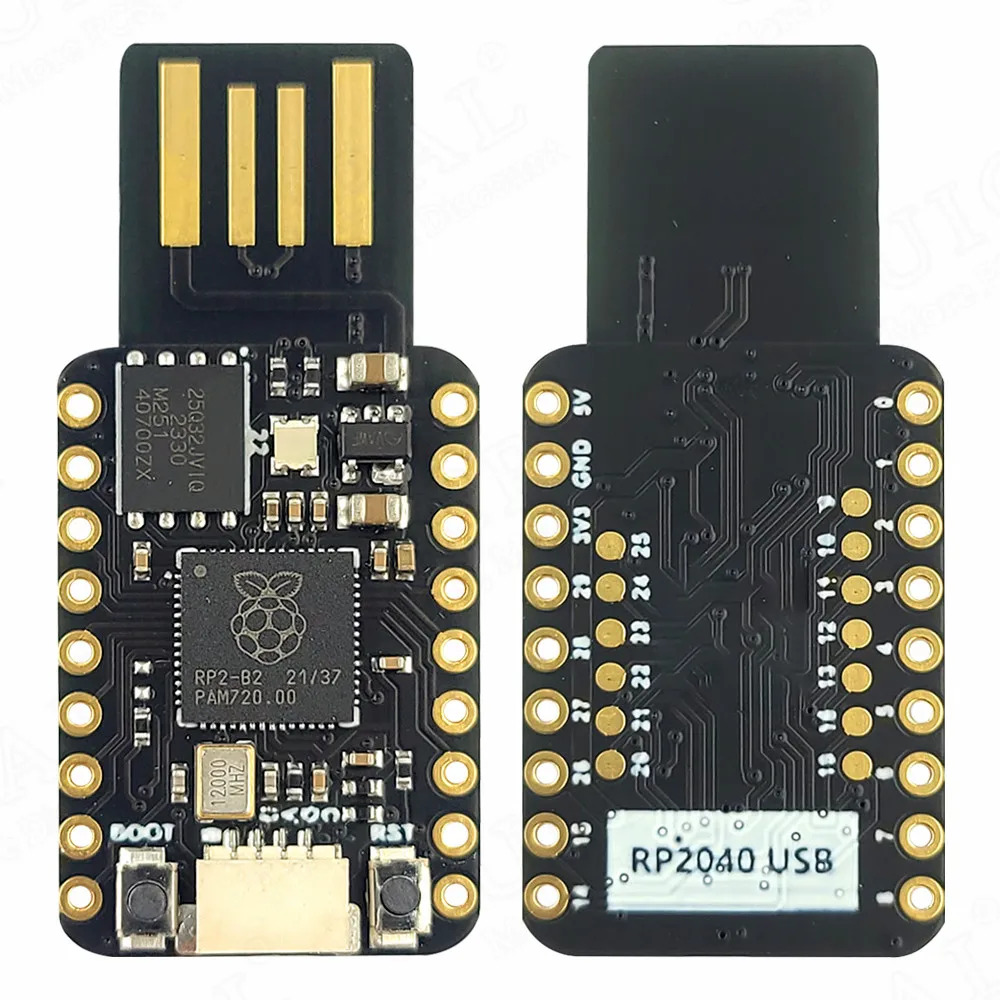
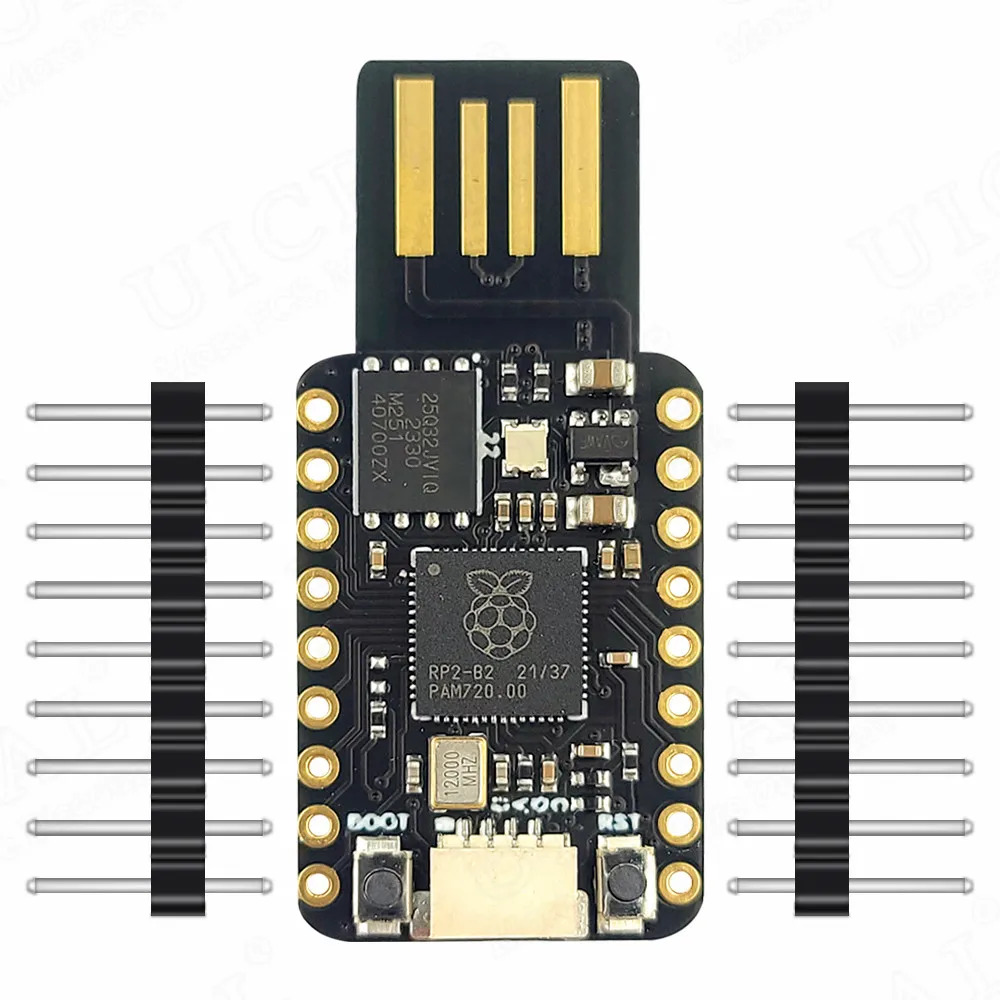
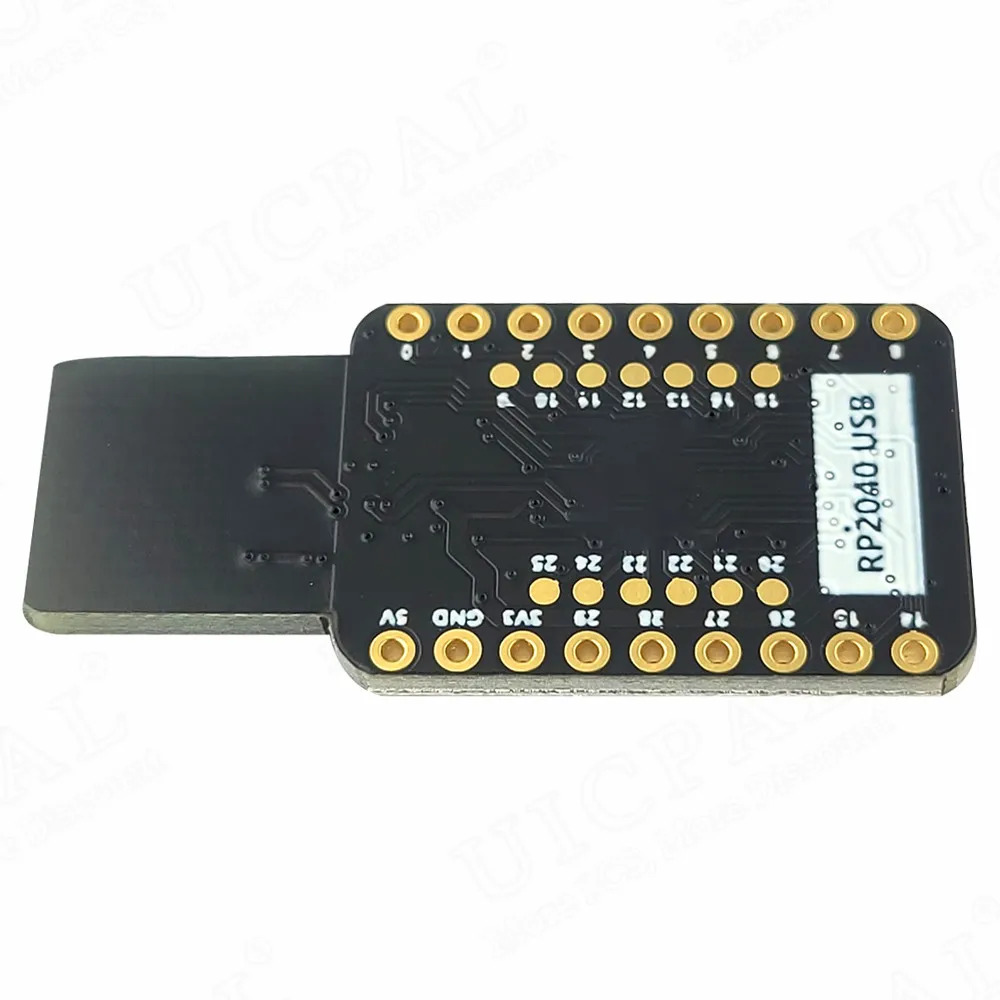
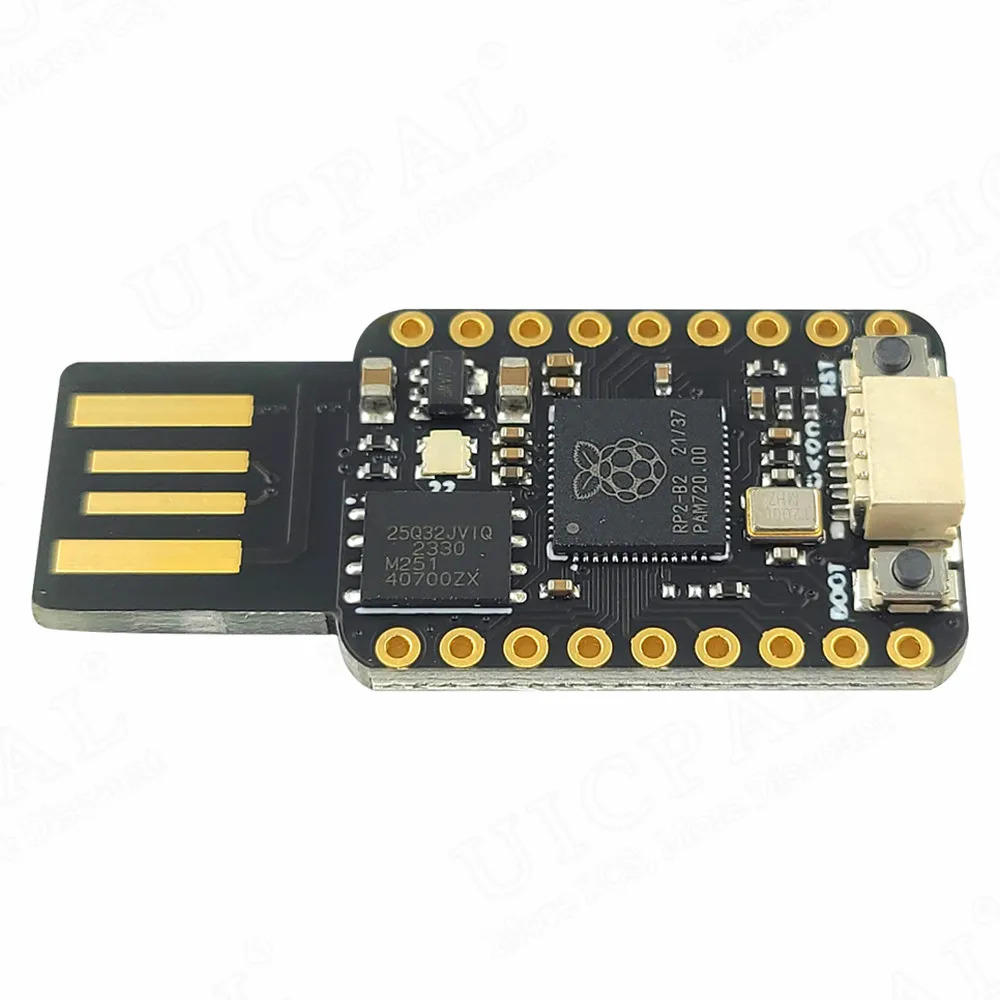
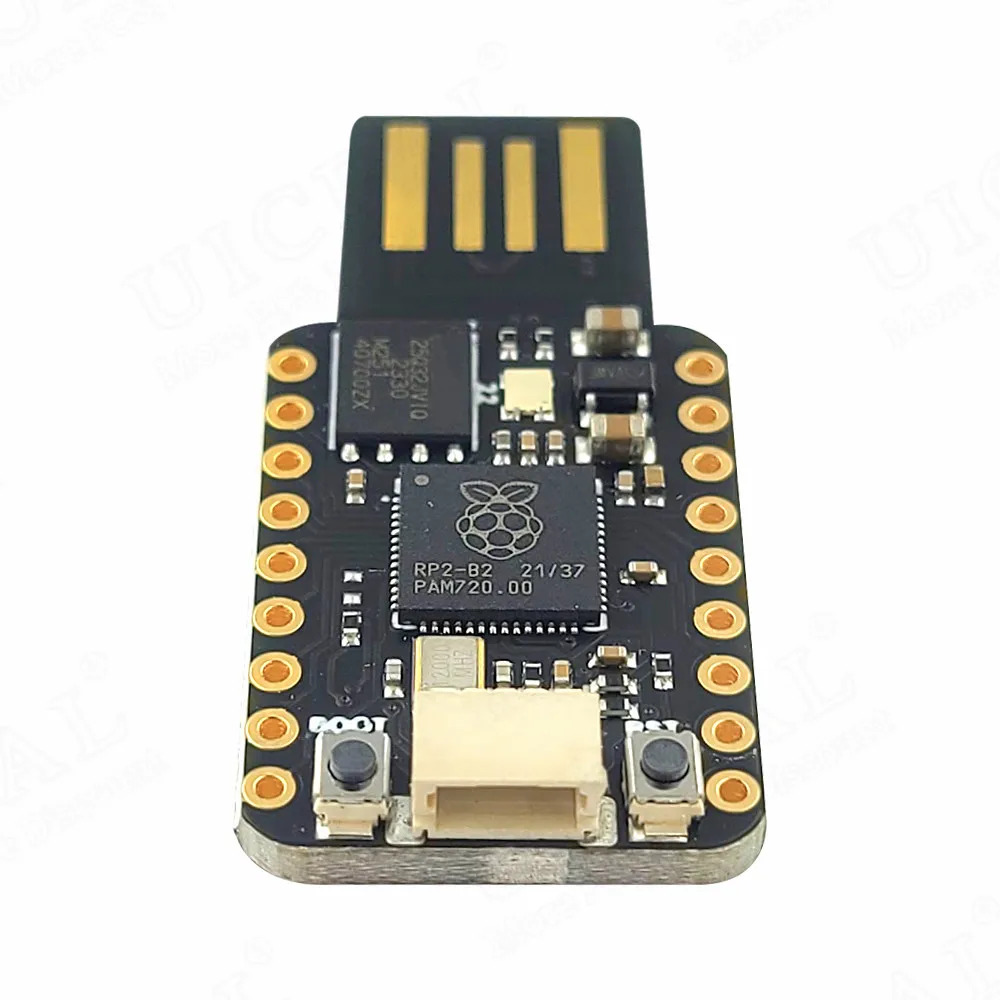
The only specs the manufacturer shipped with the board are these photos—no datasheet, no pinout diagram, nothing.5 5 Welcome to no-name AliExpress electronics. The RP2040 itself is well documented, so in practice the official datasheet is what you’ll lean on.
 | |  |
|---|---|---|
 |  |  |
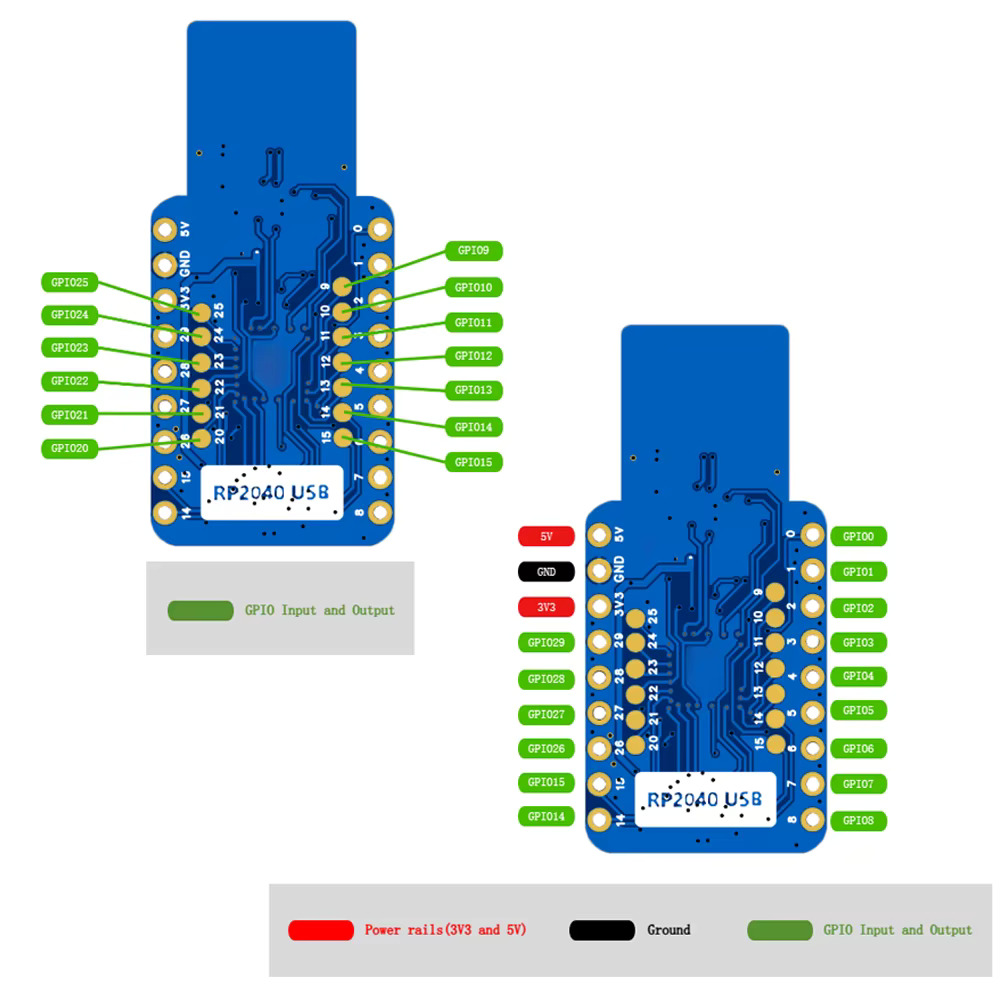
That’s all the moving parts. The repository ships a few example
scripts to get you started—swap them out, recompile, and the board
will type6 6
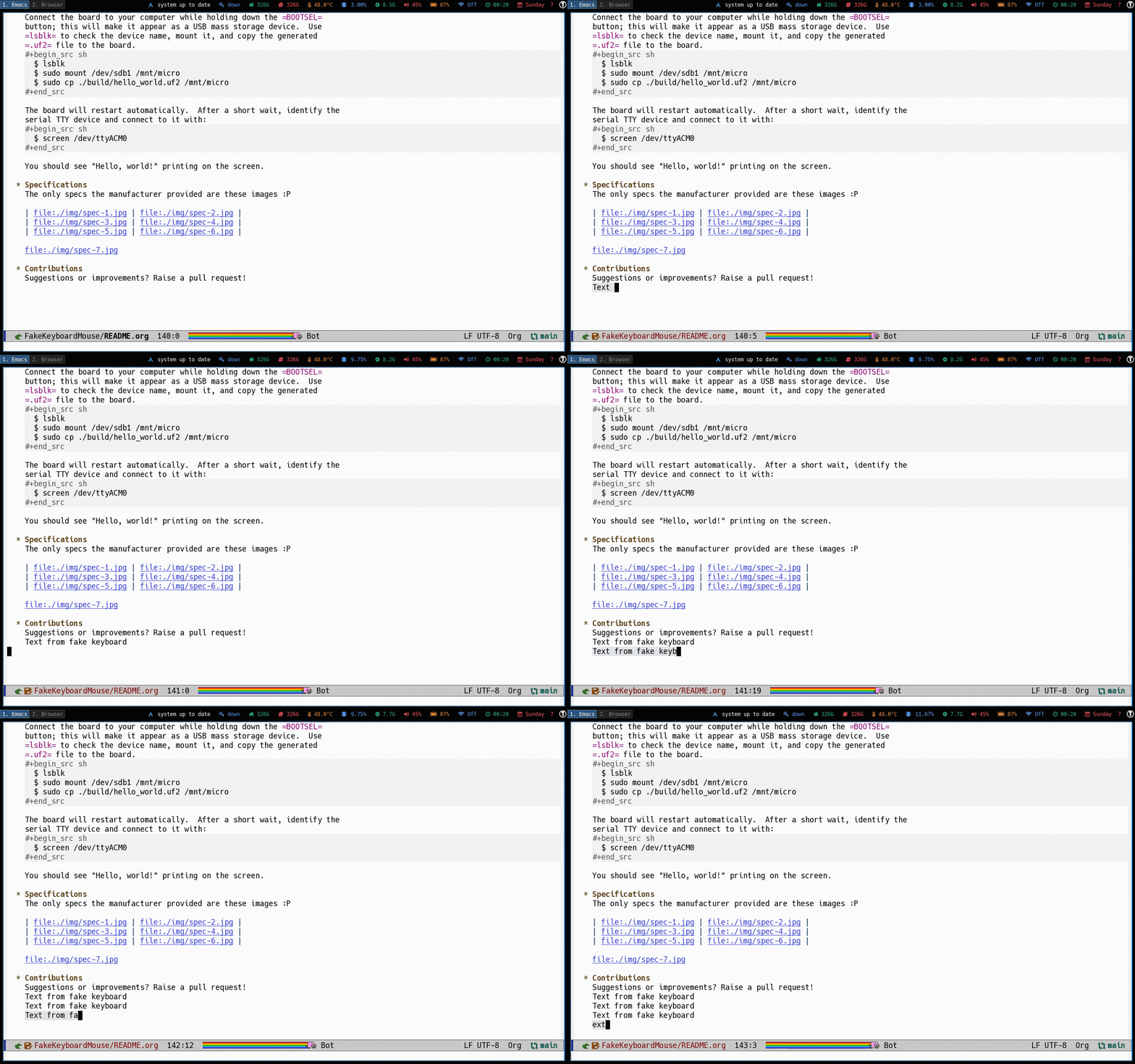 The keyboard variant in
action.
or wiggle in whatever pattern you like.
The keyboard variant in
action.
or wiggle in whatever pattern you like.
Subscribe§
My mailing list is free, occasional, and covers a variety of topics. I will never sell or share your email address.
Have feedback? Email me at david@alvarezrosa.com.